Receive and send tokens
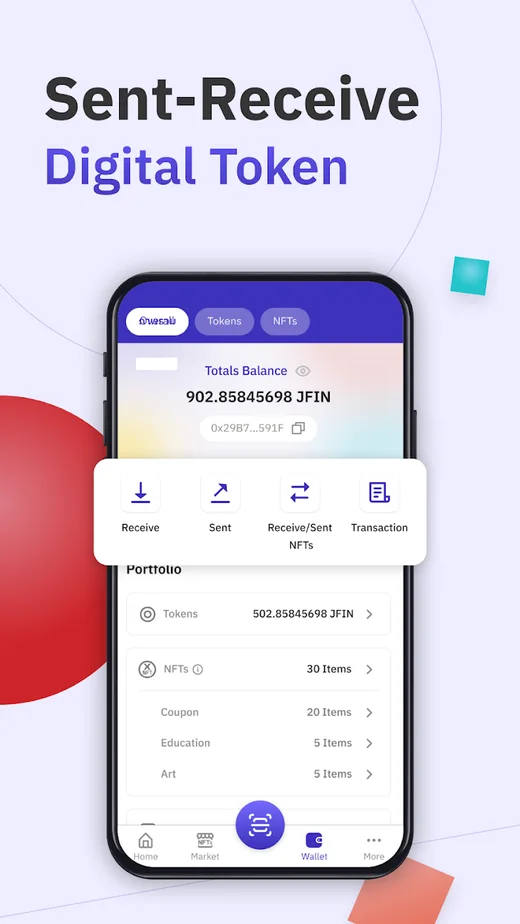
Receive tokens in your wallet and send them to other wallets on networks supported by the app.
 JOIN App
 is a digital wallet from J Ventures for receiving and sending tokens, managing NFTs, and viewing available coupons and rewards.
Receive tokens in your wallet and send them to other wallets on networks supported by the app.
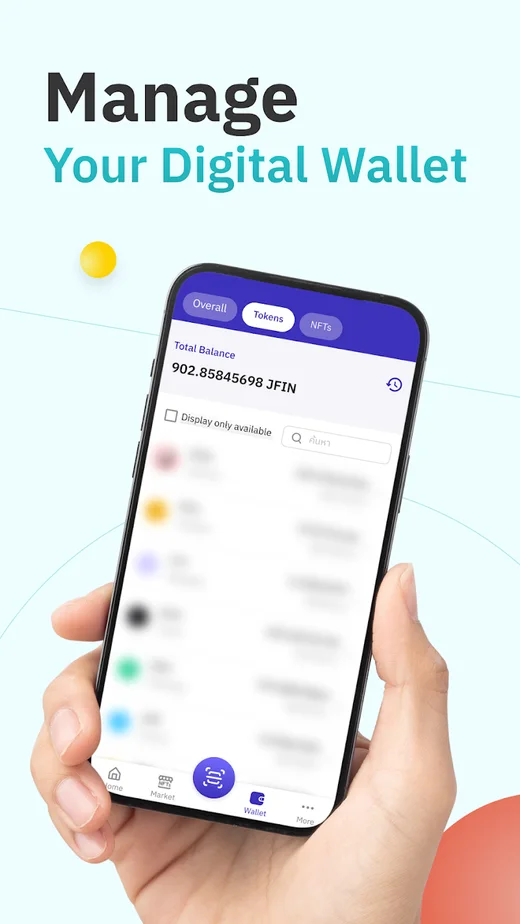
See token balances and review your transfer history in the app.
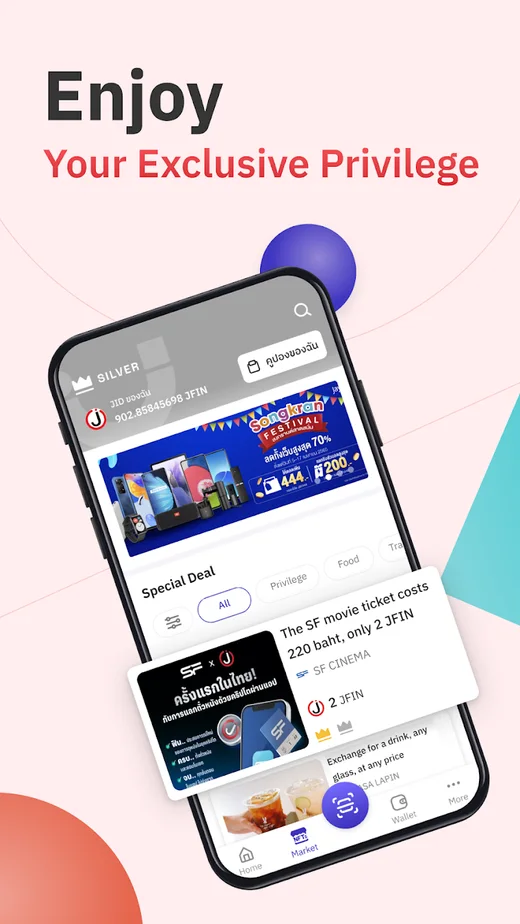
Browse coupons and rewards available under your membership tier and the terms shown in the app.
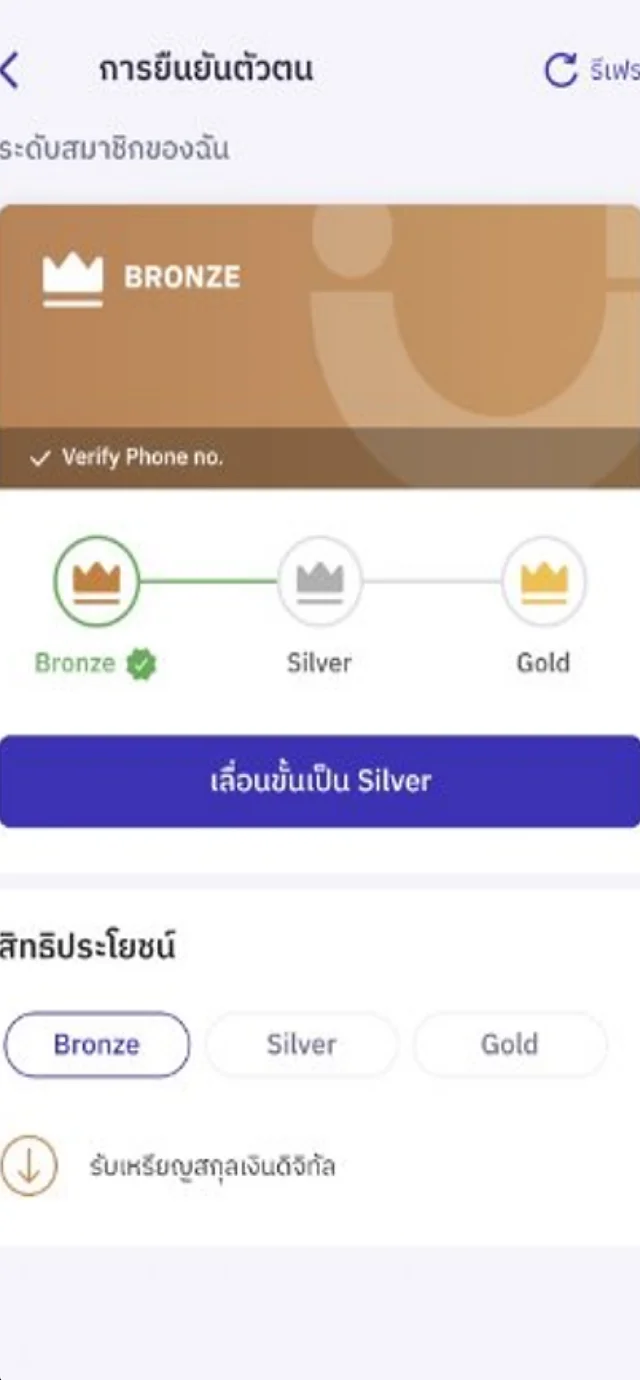
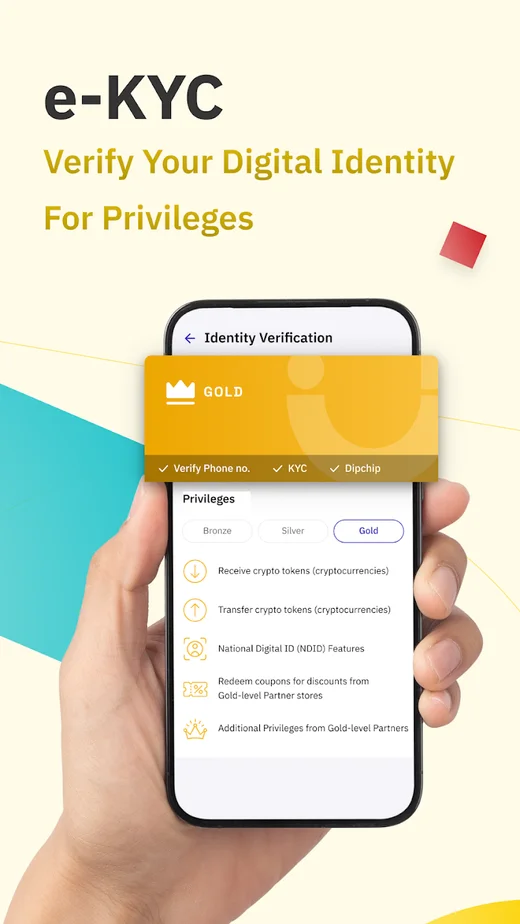
Check your verification status and membership tier from your account.
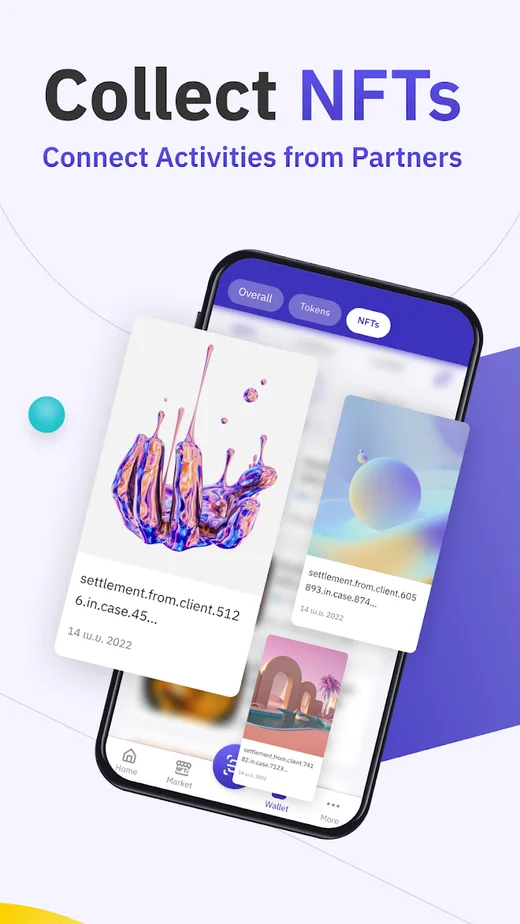
Browse the NFTs in your digital wallet.
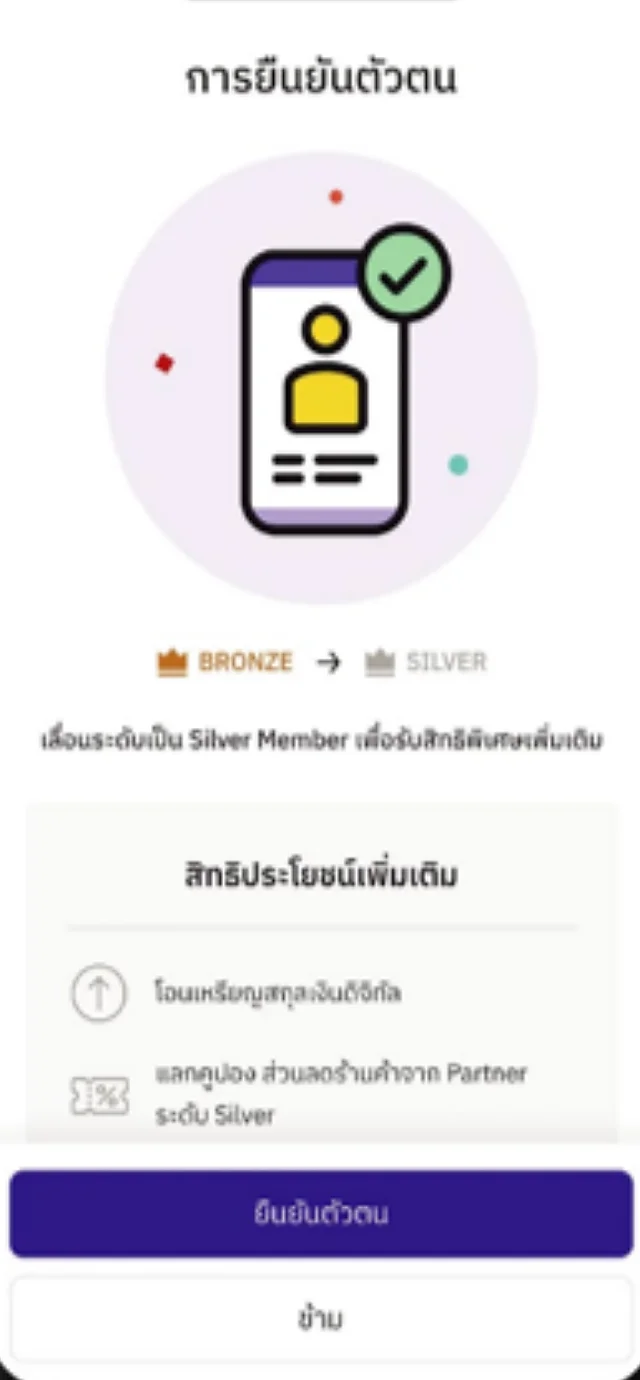
See how to register as a Bronze member and verify your identity to upgrade to Silver.
Open JOIN App and tap the log in or register button.
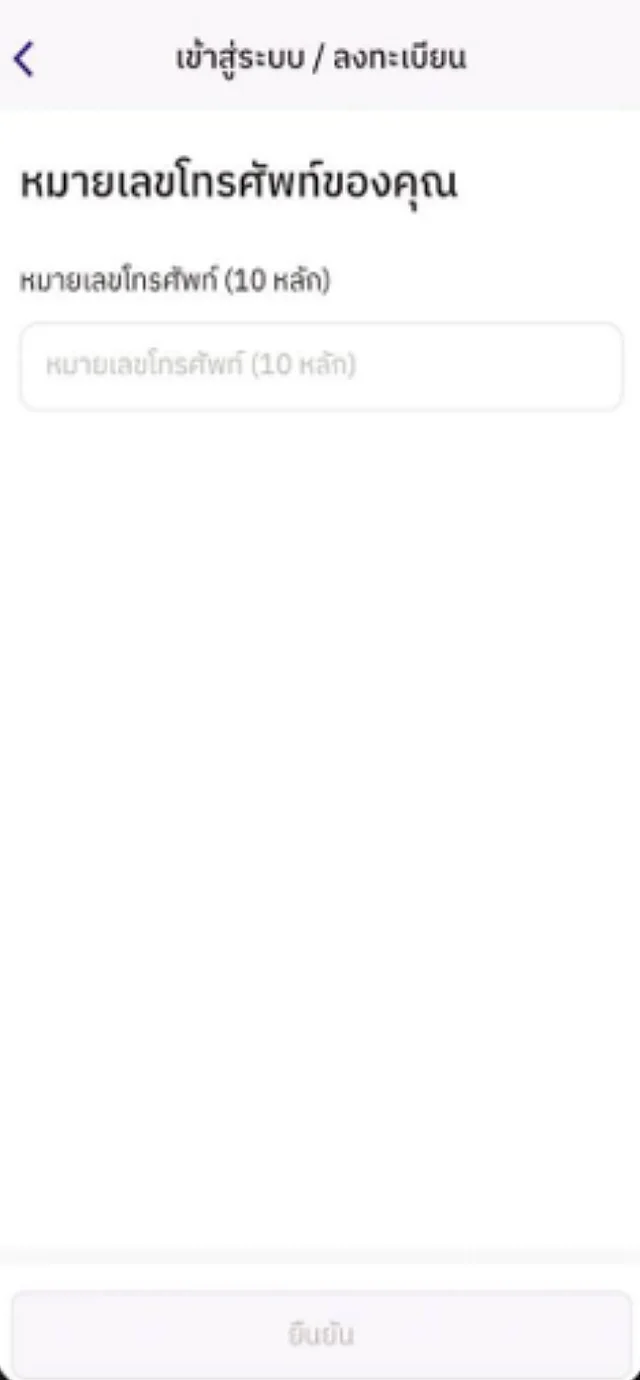
Enter your 10-digit phone number, then tap confirm.
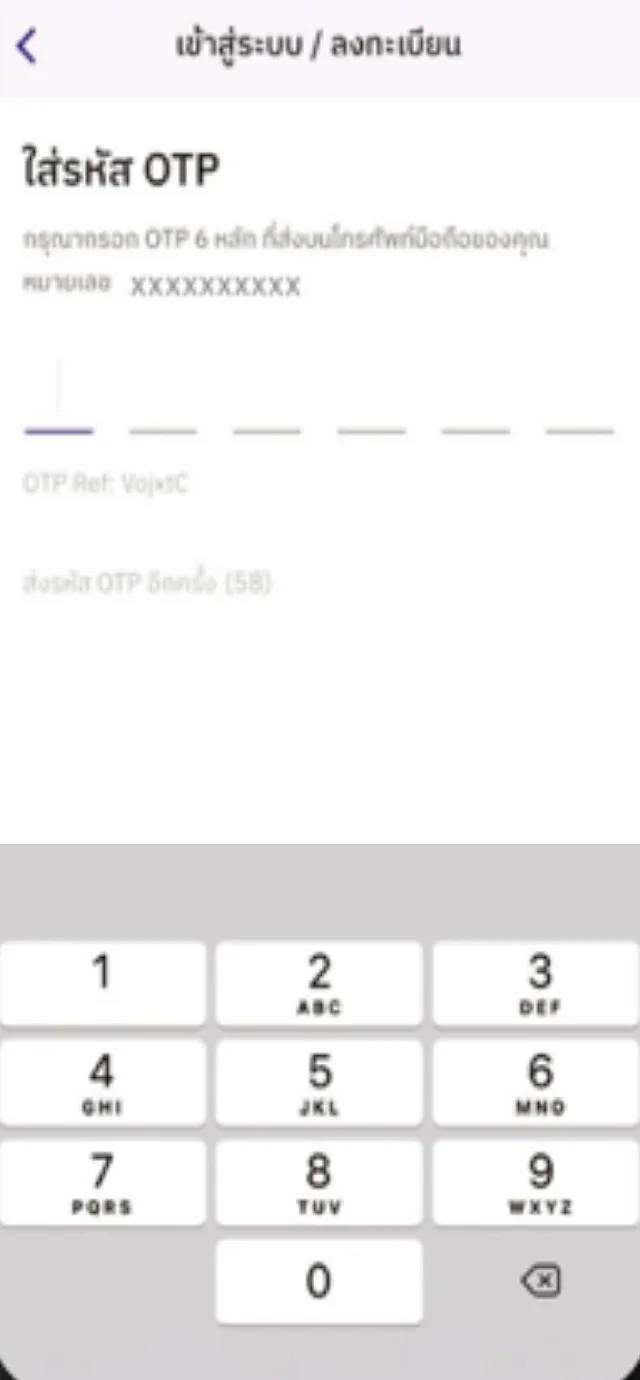
Enter the six-digit code sent by SMS.
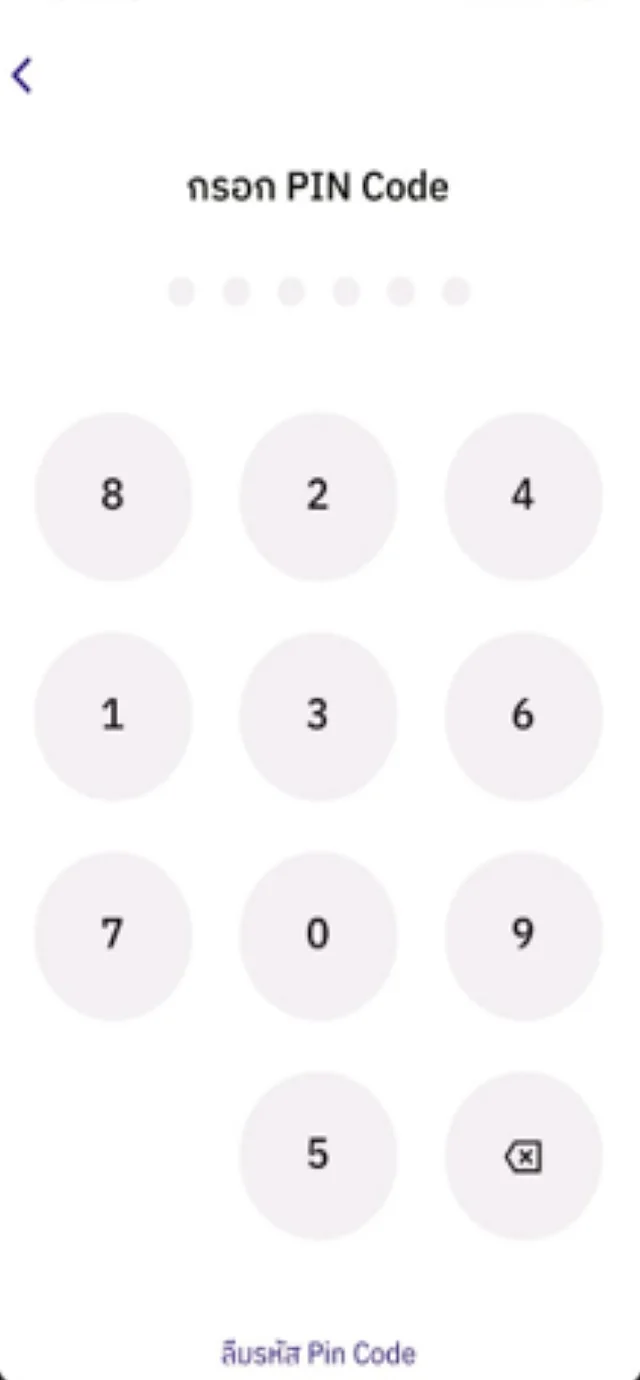
Follow the instructions on the PIN screen to continue.
Once registration is complete, you become a Bronze member.
Open More, go to Account, select Identity Verification and tap the option to upgrade to Silver.
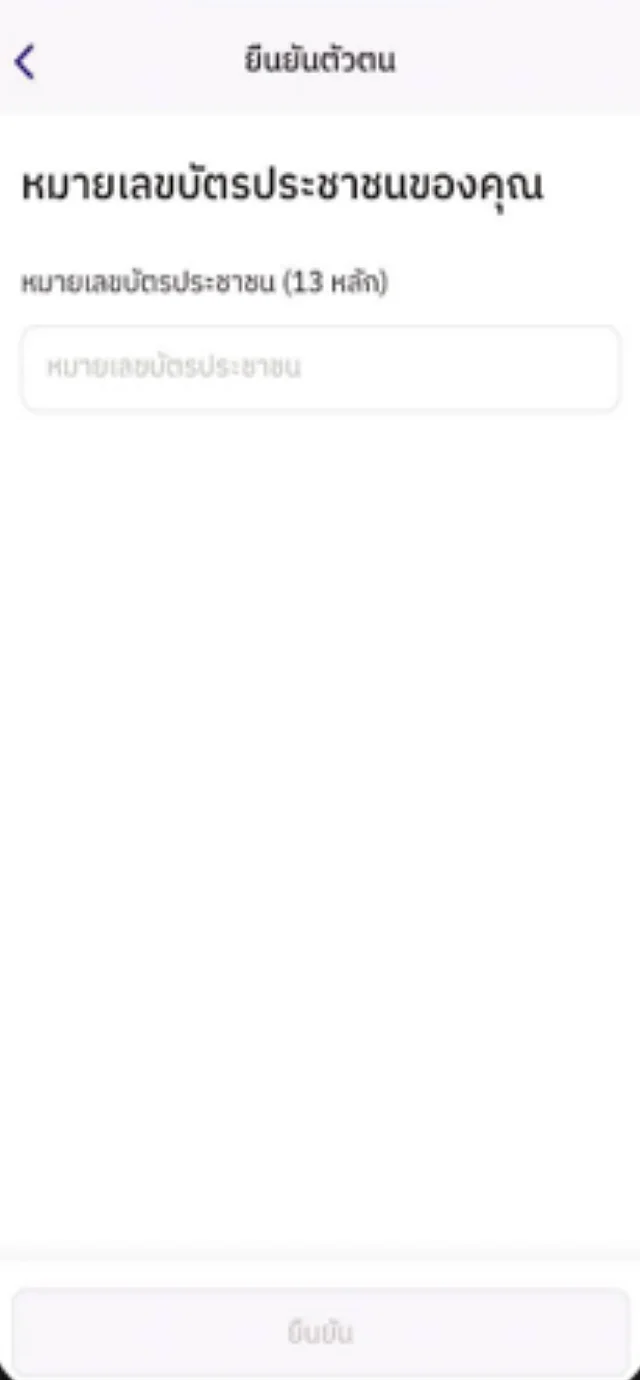
Enter your 13-digit Thai national ID number, then tap confirm.
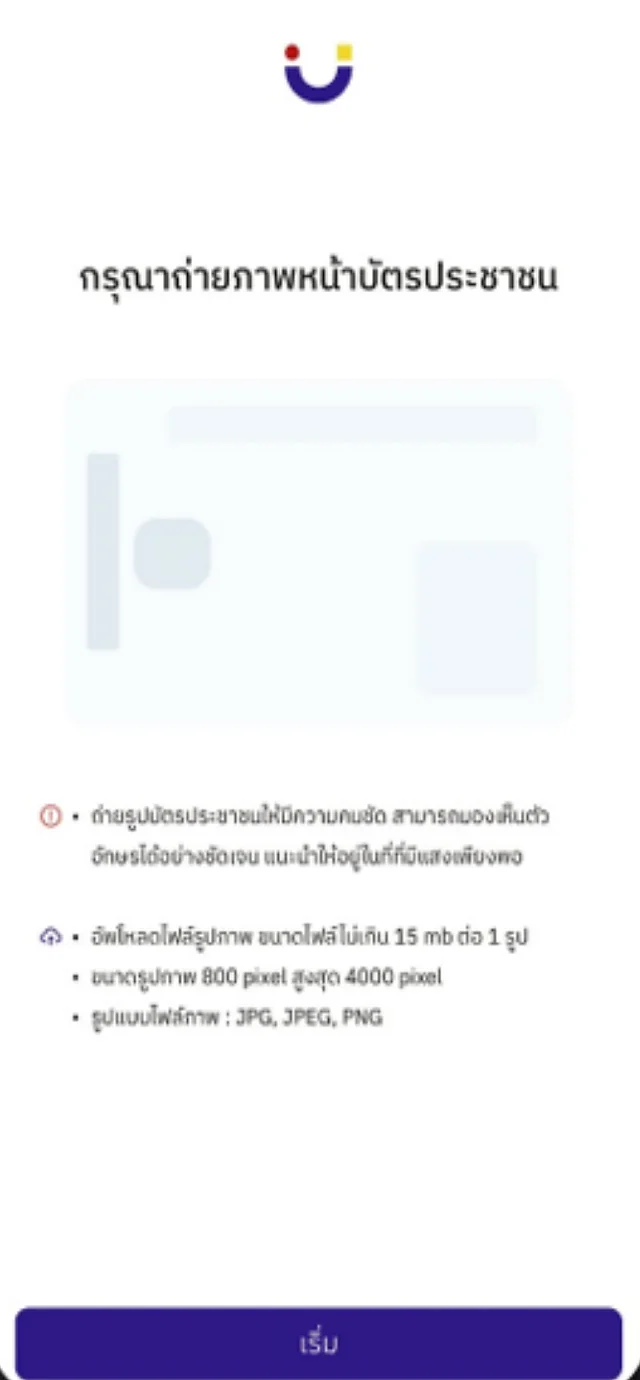
Tap start and photograph the front of your ID card so the details are legible.
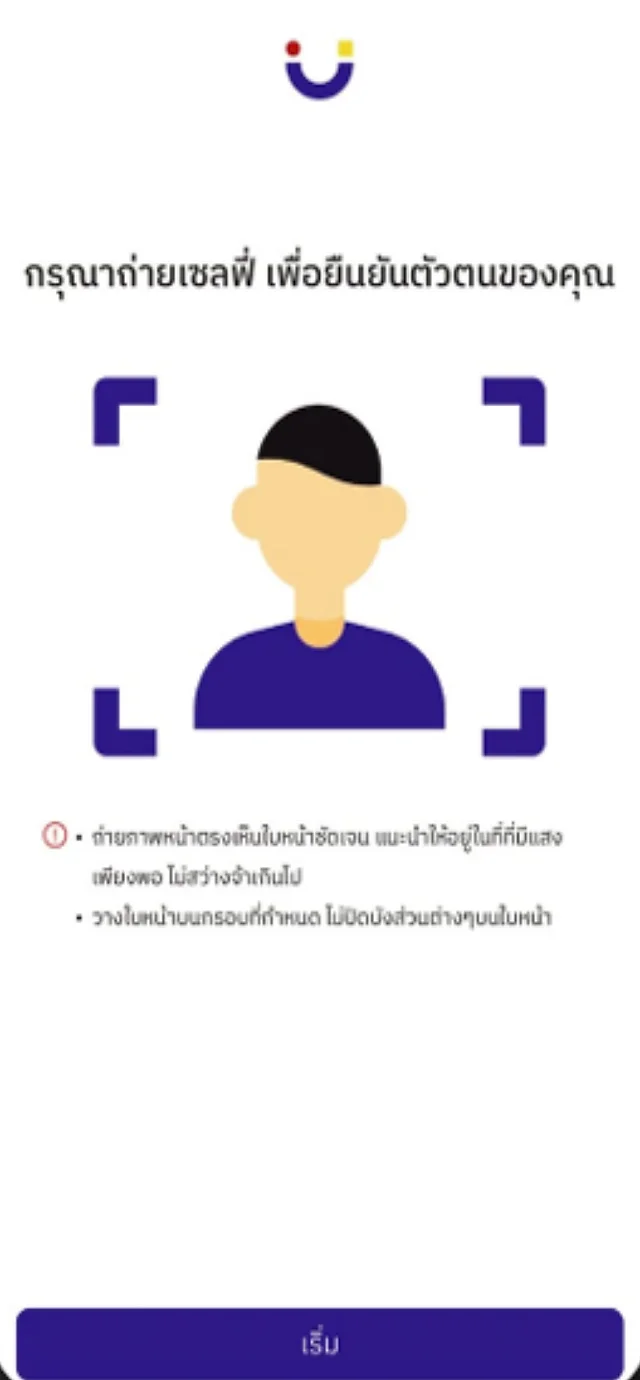
Tap start, position your face inside the frame and follow the on-screen instructions.
After taking a selfie, review your details and follow any prompts, such as verifying a code by SMS or email. Check the Identity Verification menu to see whether you have reached Silver.
Screenshots from JOIN App